
If you’re a PPC marketer, you’ve probably been tempted by that glorious “Import from Google Ads” button in Microsoft Ads. It’s shiny, it’s fast, and let’s be real—it’s lazy. But here’s the catch: what works in Google, Meta, or Pinterest doesn’t automatically work in Microsoft.
Microsoft Ads isn’t a carbon copy of other platforms—it has its own audience, its own quirks, and yes, its own opportunities. If your campaigns aren’t performing, the problem might not be Microsoft—it might be the way you’re importing them.
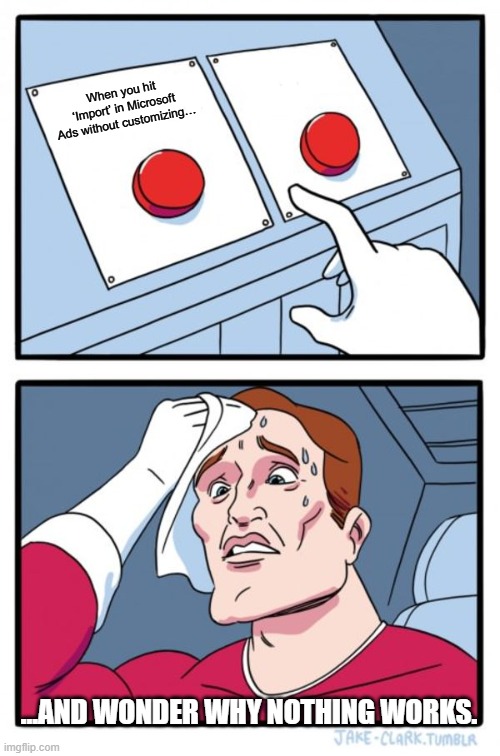
Why Auto-Import Can Tank Your Performance
Auto-import sounds nice in theory: “I’ll save time and just mirror what’s running on Google.” But here’s the reality: budgets, bids, audiences, and ad copy don’t always translate directly.
For example:
- Your Google budget might be set for millions of impressions, but Microsoft’s audience size and CPCs are different.
- Ad copy that works for one demographic may flop with Microsoft’s users, who skew slightly older and often have different search intent.
- Audience targeting, location, and device settings may need tweaking—what works on Meta doesn’t always work here.

How to Import Correctly: Custom > Lazy
Instead of blindly auto-importing, use Custom Import. This is where you get to flex your PPC muscles.
Settings you should always review and customize:
- Budgets – Adjust based on Microsoft’s CPC and audience size. Don’t just copy-paste.
- Bids – Review by campaign or ad group; Microsoft’s algorithm may respond differently.
- Campaign Structure – Decide which campaigns actually make sense to import. Not everything needs a direct copy.
- Ad Copy – Tailor messaging to Microsoft’s audience. Different platform, different user mindset.
- Audience Targeting – Check demographics, in-market segments, and LinkedIn profile targeting.
- Extensions – Make sure your sitelinks, callouts, and structured snippets are optimized for this platform.
- Keywords & Match Types – Some match types perform differently; adjust accordingly.
Import for Marketing, Not for the Sake of Importing
Think of Microsoft Ads like a new stage. You wouldn’t perform the same exact setlist at every concert, right? The goal isn’t to mirror—it’s to market effectively.
When you take the time to review and customize your imports:
- You might discover campaigns that perform better than Google or Meta.
- You’ll stop wasting budget on campaigns that don’t resonate.
- You’ll finally see Microsoft Ads not as a copycat, but as a powerful platform in its own right.
Key Takeaways
- Microsoft Ads can work—it’s not broken.
- Stop blindly auto-importing; customize everything that matters.
- Review budgets, bids, campaigns, ad copy, and audience targeting.
- Import with intention: import to market, not just to move campaigns across platforms.
Treat Microsoft Ads like the unique platform it is, and you might be pleasantly surprised. Your next high-performing campaign is waiting—if you customize it the right way.

